Coming Soon
Android
Phones & tablets
The native Android app is on its way. Until then, enjoy Paradym in your browser.
Open Web App
The download will appear here when it is available.
Paradym for your devices
Settle in with a great film, pick up your next episode, or get everyone together. Find your way to watch with Paradym.
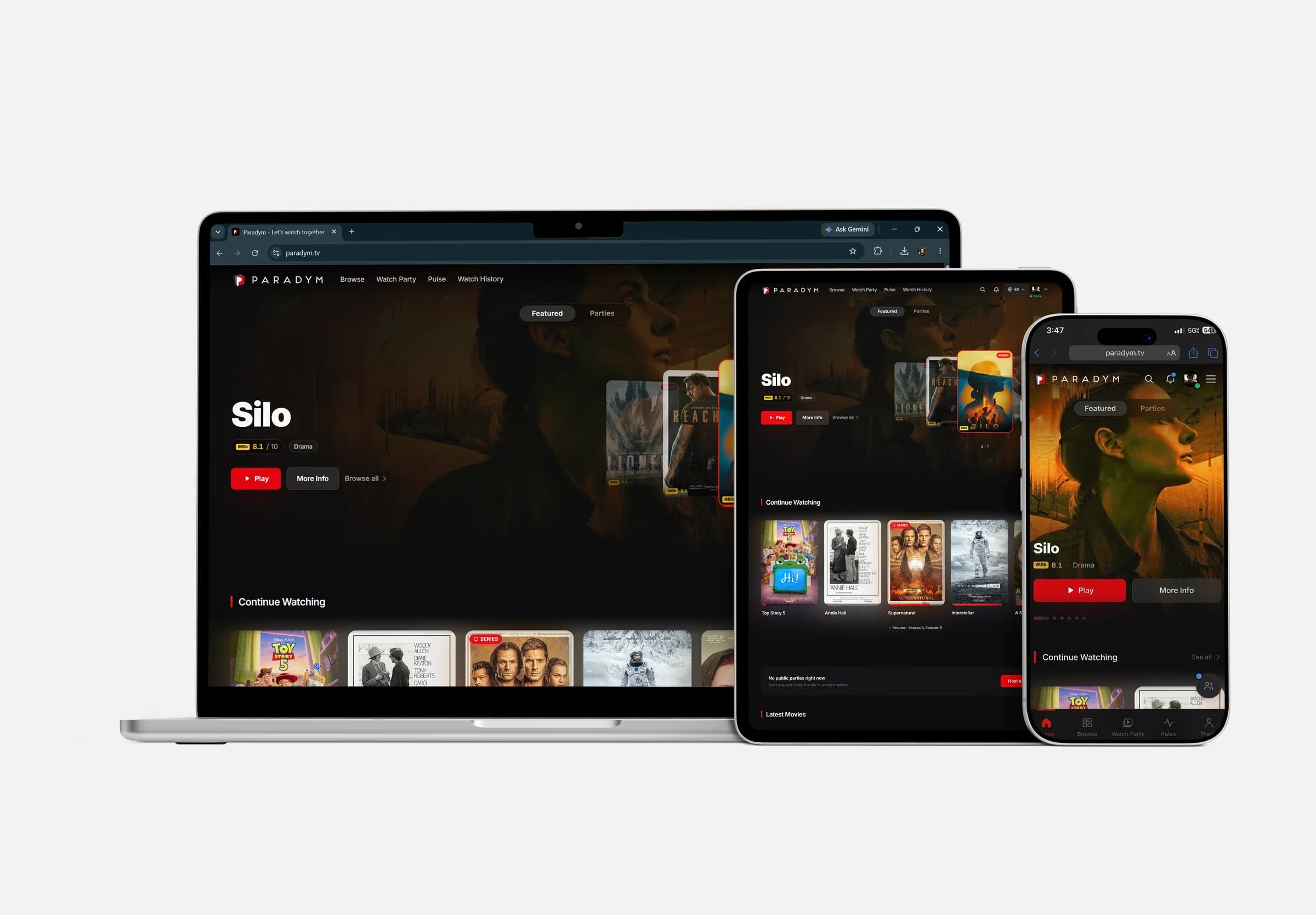
Sign in and find your next episode in Continue Watching.
Share a watch-party link and make a night of it, together.
Save a film now. Find it on your next screen when you're ready.
Find your fit
Pick your device to see how to get started. The web app is ready whenever you are.
Phones & tablets
The native Android app is on its way. Until then, enjoy Paradym in your browser.
The download will appear here when it is available.
Safari on iOS & iPadOS
Watch in Safari, or add Paradym to your Home Screen for an easy way back to movie night.
Windows, macOS & Linux
A bigger screen for your next great film. Open Paradym in your browser and get comfortable.
You can use Paradym directly in your browser on a phone, tablet, or computer. Choose Open Web App to browse. On iPhone and iPad, Add to Home Screen gives you a shortcut to the web app; it isn't an App Store download.
Yes. Sign in with the same Paradym account to find your Watch Later list and Continue Watching on your other devices.
Streaming and watch parties need an internet connection. Adding Paradym to your Home Screen does not download films. Some titles offer separate download links on their details page.